Peak Watts can record multiple sports, including cycling, running, trail running and hiking, directly on your phone. GPS records the route, while connected sensors supply measurements such as heart rate, cadence and power. You can view that data during the activity and follow a route on the same device, completely free.
Customize your recording pages
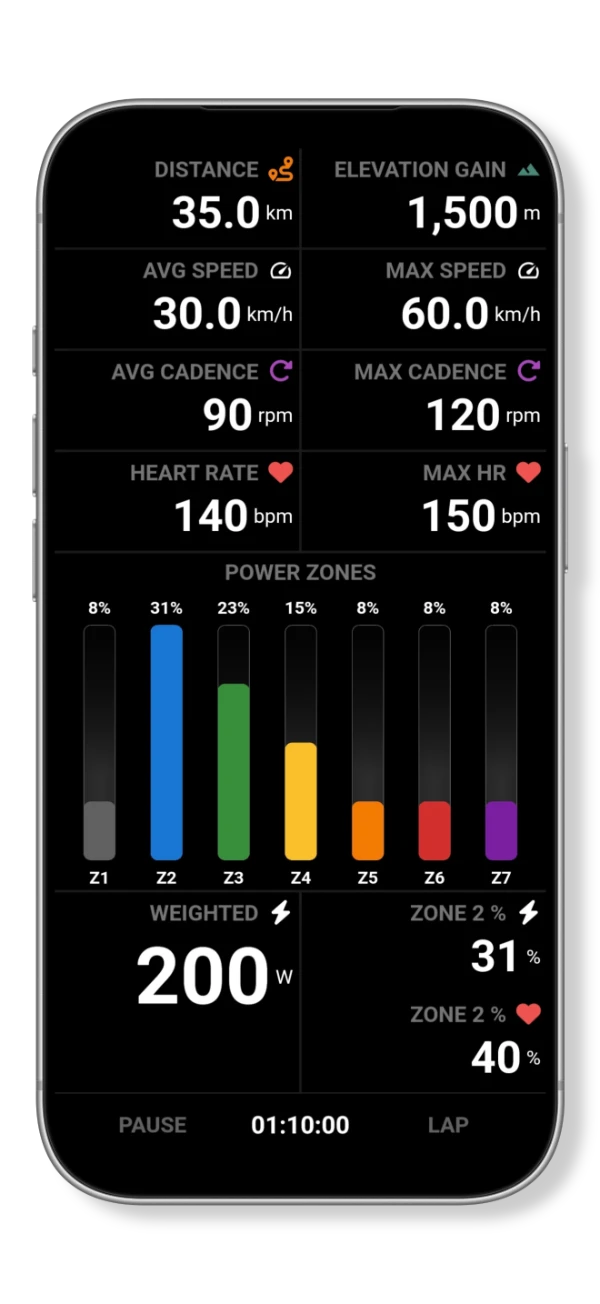
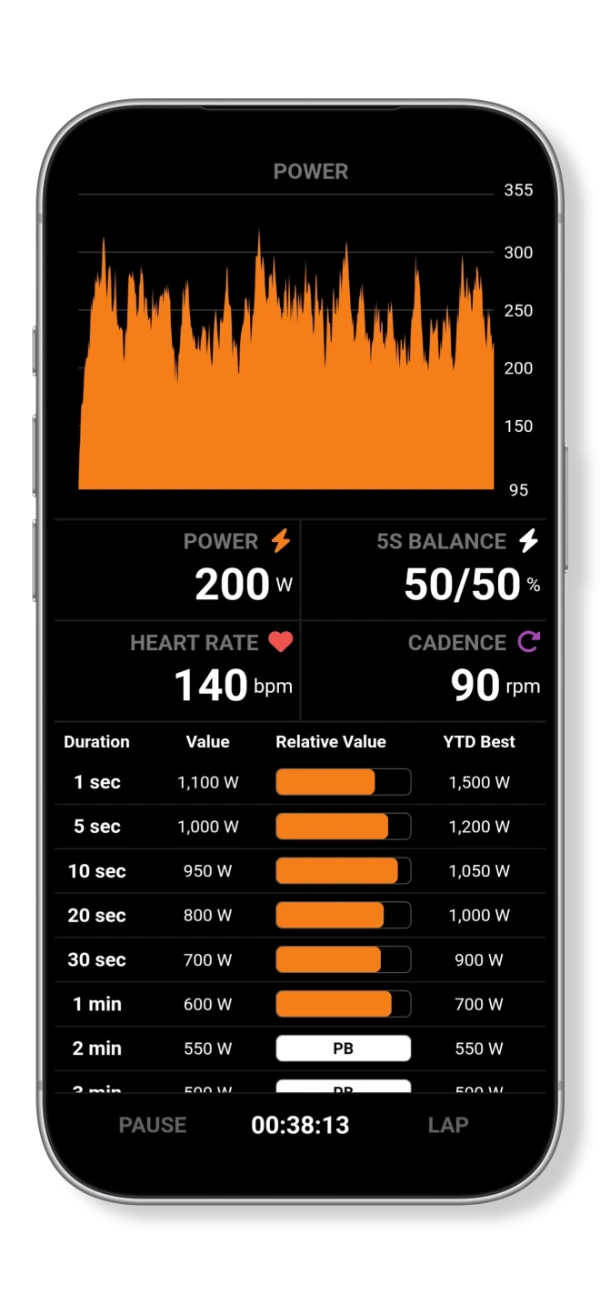
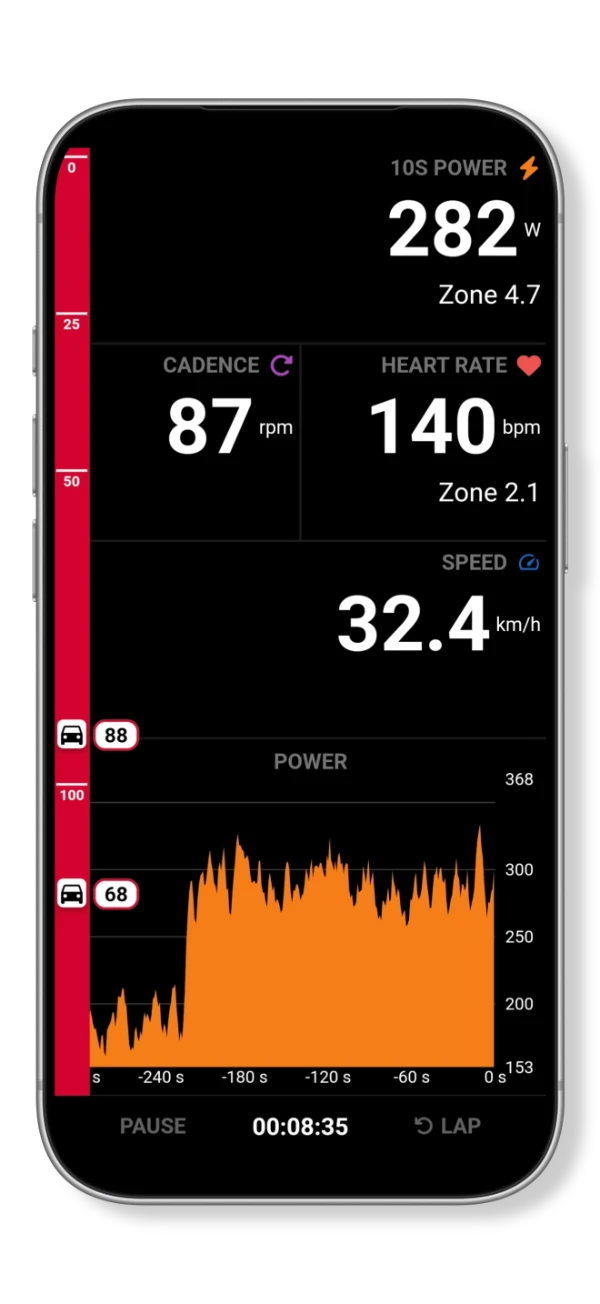
The recording pages are fully customizable. Choose the data fields and layout for each page, whether you want a few large numbers or a more detailed view with charts and several measurements.
For example, a page for a steady training session might emphasize power and heart rate. A ride overview can bring together distance, elevation gain, average speed and time in power zones. The examples below show two ways to arrange that information.
Connect sensors and control devices
Peak Watts supports speed, cadence, heart rate and power sensors. Their readings can appear on your recording pages alongside GPS data.
Device connectivity also covers indoor trainers, smart fans and core body temperature sensors. Garmin Varia connectivity displays radar information during recording, and GoPro controls let you operate a compatible camera from the app.
Import, review and follow a route
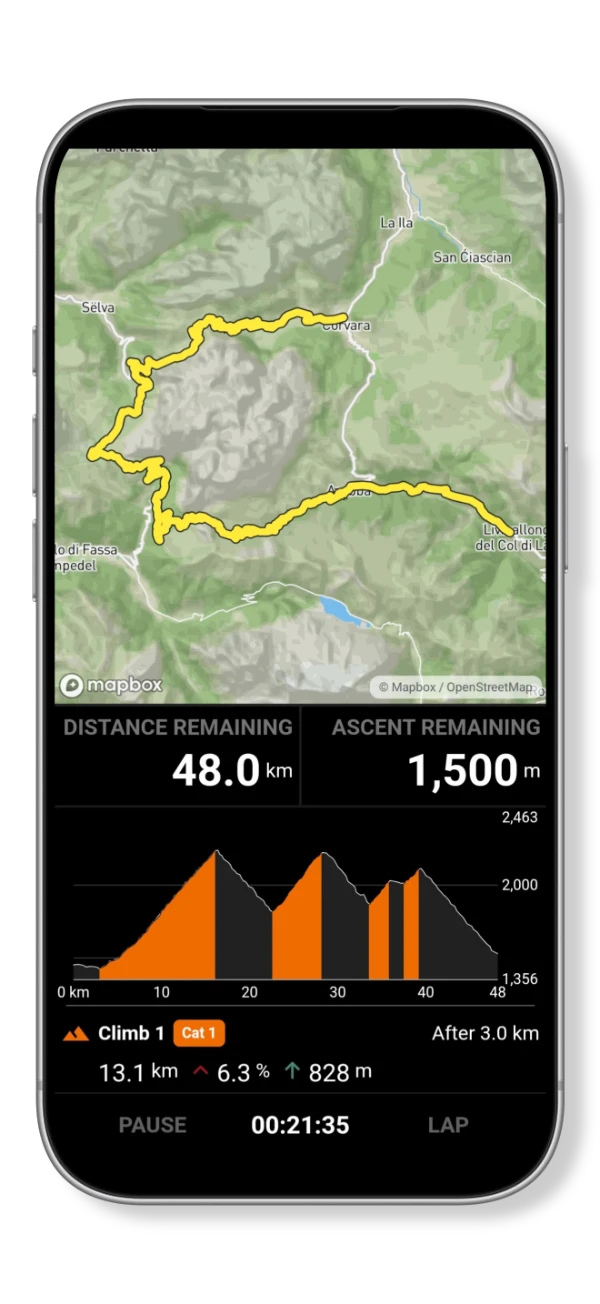
Import a route or sync one from a connected service, then review its details before recording. During the activity, you can follow the route and view its map and elevation profile.
Route planning and navigation with PRO
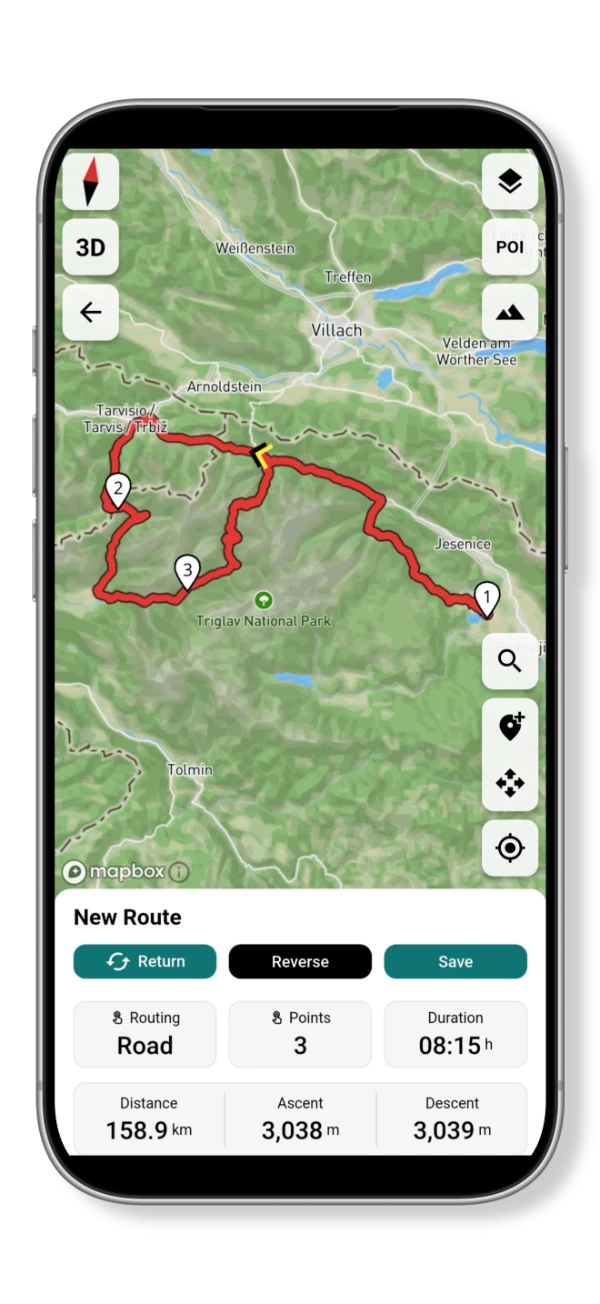
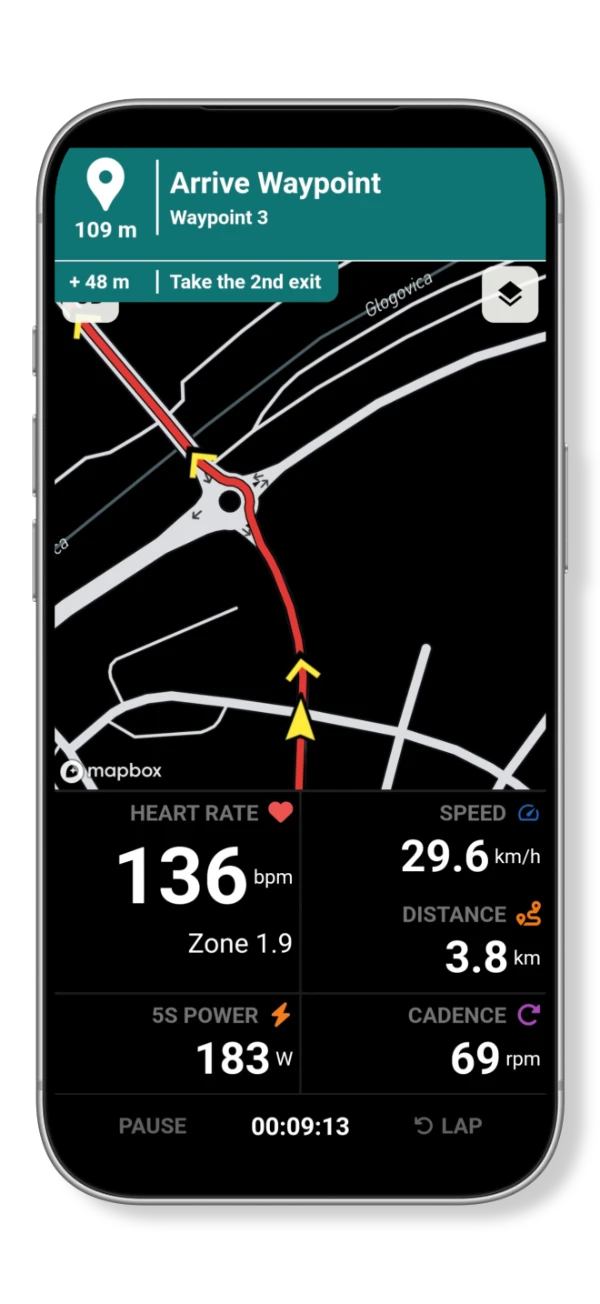
PRO adds route planning, turn-by-turn navigation and route recalculation. You can create a route in the app, follow instructions for upcoming turns and recalculate the route if you go off course.
The planning view shows the route's waypoints, distance, ascent, descent and estimated duration. During navigation, upcoming instructions appear above the map, with recording data below it.